How To Set Up A Smart Home For Beginners
The Smart Home Starting Line: What to Expect
The biggest mistake beginners make is trying to automate everything at once. A successful smart home setup is built layer by layer. We recommend focusing on single, high-impact areas first—like lighting, security, or climate control—and mastering those before expanding. Think of it as building a foundation: start with the basics (like smart plugs and bulbs) and gradually add complexity (like advanced thermostats or security cameras). By following a structured approach, you can minimize frustration and maximize the immediate return on your investment.
Quick Picks: Best Smart Home Devices for Beginners
If you are ready to buy something right now, this comparison table highlights some of the most reliable, user-friendly, and highly-rated devices that form the backbone of any excellent beginner smart home setup. Our research suggests starting with a smart display and a few simple accessories provides the best balance of functionality and ease of use.
| Device | Best For | Price | Rating | Why We Recommend It |
|---|---|---|---|---|
| Amazon Echo Show 8 | Central Control Hub & Voice Assistant | $179.99 | 4.6/5 | Excellent starting point for voice control and visual feedback. Check it out. |
| Amazon Smart Plug | Basic Automation (Lamps, Fans) | $24.99 | 4.6/5 | Inexpensive and perfect for automating existing non-smart devices. Check it out. |
| Philips Hue Starter Kit | Smart Lighting & Ambiance | $83.99 | 4.5/5 | The gold standard for smart lighting, offering incredible customization. Check it out. |
| Ring Video Doorbell (2nd Gen) | Security & Peace of Mind | $99.99 | 4.4/5 | Essential upgrade for home security and monitoring. Check it out. |
| Amazon Smart Thermostat | Climate Control & Efficiency | $79.99 | 4.3/5 | Smartest way to manage energy use and comfort automatically. Check it out. |
Essential Devices for Starting Your Smart Home
To help you visualize how these individual components work together, we have compiled detailed reviews for the top products. Remember, the best device is the one that solves a specific problem in your house!
Amazon Echo Show 8 Smart Display with Alexa
The smart display is often the first piece of technology a beginner buys, and for good reason. It acts as the central brain, or hub, for many smart devices. The Echo Show 8 isn’t just a speaker with a screen; it’s your primary interface for voice commands, video calling, and visual monitoring of your smart home routines. Setting it up is remarkably straightforward, guiding you through connecting compatible devices and creating personalized “routines” (e.g., saying “Good Morning” turns on the lights, adjusts the thermostat, and plays the news). Based on user reviews, its ability to display video feeds from security cameras and show weather updates makes it an invaluable daily assistant. It is the control panel for your automated life.
Pros
- Intuitive voice control via Alexa.
- Acts as a central display for multiple smart functions (video, weather, camera feeds).
- Easy setup process for beginners.
Cons
- Requires a stable Wi-Fi connection to function optimally.
- Some advanced integrations may require additional skills or hubs.
Verdict: This is our top recommendation for a starting hub. Its combination of voice capability and visual feedback makes the smart home process feel immediate and rewarding. It provides the necessary control layer for all other devices.
Learn more: Amazon Echo Show 8 Smart Display with Alexa
Amazon Smart Plug, Works with Alexa
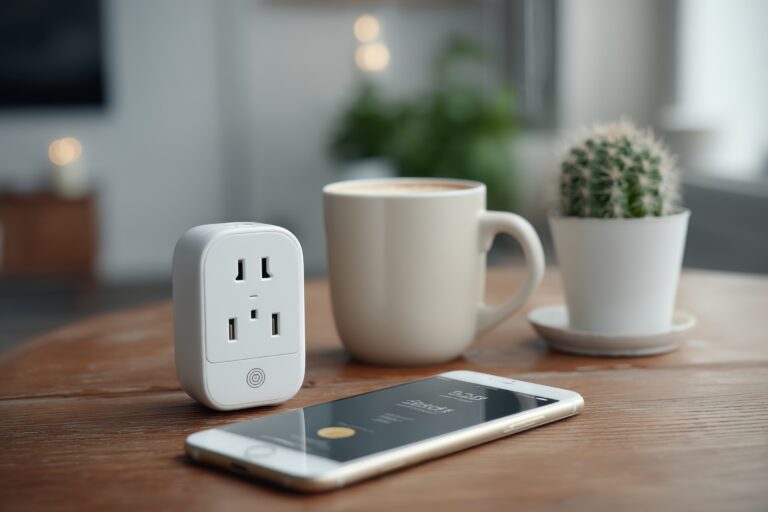
If you want to dip your toes into smart home automation without a large financial commitment, the smart plug is the perfect place to start. These plugs are incredibly versatile; they take any standard appliance—a desk lamp, a fan, a coffee maker—and make it “smart” by connecting it to your home’s Wi-Fi and allowing you to control it via voice or through a simple app. According to verified buyers, the ease of use is unmatched. You simply plug it into a wall outlet, plug your item into the smart plug, and name it (e.g., “Living Room Lamp”). From our research, these plugs are ideal for automating simple, repetitive tasks, such as turning off lights when you leave or running a fan before bedtime. They are the workhorses of the smart home.
Pros
- Extremely affordable and easy to install.
- Instantly automates non-smart appliances.
- High reliability and seamless integration with Alexa.
Cons
- Only controls the power flow (cannot regulate temperature or complex settings).
- Limited to the electrical capacity of the attached device.
Verdict: This is the single most budget-friendly and impactful device to buy first. It immediately gives you the feeling of automation and is highly recommended for beginners.
Learn more: Amazon Smart Plug, Works with Alexa
Philips Hue White Smart Bulb Starter Kit
Lighting is arguably the most impactful area for smart home improvements, and the Philips Hue system is the industry leader for a reason. This starter kit provides more than just bulbs; it provides the necessary bridge (or hub) to ensure reliable, seamless communication across all your lights. The bulbs themselves are simple to use—you screw them in and control them via voice or app. While the starter kit focuses on basic white light, the system is highly expandable, allowing you to add color-changing bulbs later. Based on user reviews, the reliability and consistency of the lighting control are phenomenal. Setting up “scenes” (like “Movie Night” or “Wake Up”) that adjust multiple lights simultaneously creates an unparalleled level of ambiance and efficiency, making it a foundational investment.
Pros
- Industry-leading reliability and ecosystem.
- Allows for sophisticated “scenes” and scheduling.
- The system is highly scalable (easy to add more bulbs later).
Cons
- The initial setup cost (including the hub) is higher than basic plugs.
- Requires dedicated bulbs, not just any bulb.
Verdict: If you are looking to enhance the atmosphere and ambiance of your home, this is the best investment. It provides a noticeable, daily quality-of-life improvement.
Learn more: Philips Hue White Smart Bulb Starter Kit
Ring Video Doorbell (2nd Gen)
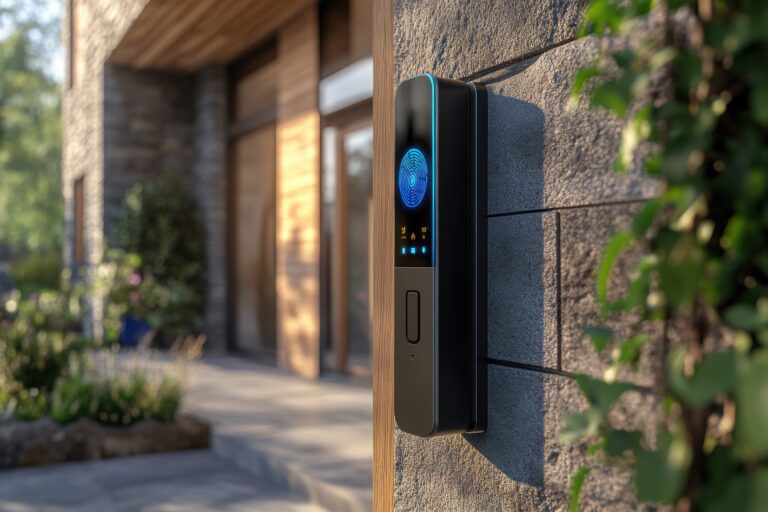
For many beginners, the primary concern with smart home technology is security. The Ring Video Doorbell addresses this directly, providing peace of mind without needing complex wiring or professional installation. This doorbell connects directly to your home network, giving you a live video feed, motion detection alerts, and the ability to communicate with visitors remotely, whether you are across town or on vacation. According to verified buyers, the clarity of the video and the reliability of the motion alerts are standout features. Integrating this into a smart routine—for example, having the lights flash when someone approaches the door—makes it feel like a truly cohesive part of your automated defense system. It’s a simple, yet powerful, upgrade to your home’s safety infrastructure.
Pros
- Excellent video quality and clear motion detection.
- Provides remote monitoring and two-way communication.
- Relatively easy to install and set up for non-professionals.
Cons
- Requires a subscription for full feature access (video history, etc.).
- Battery life can be affected by extreme weather.
Verdict: If security is your top priority, this device is a must-have. It provides immediate, tangible value and greatly enhances the feeling of safety in your home.
Learn more: Ring Video Doorbell (2nd Gen)
Amazon Smart Thermostat – Works with Alexa
Climate control is often the most significant area for energy savings, and the smart thermostat is the most efficient way to manage it. The Amazon Smart Thermostat learns your habits, adjusting the temperature automatically when you are away and ensuring your house is perfectly comfortable when you return. From our research, the integration with Alexa allows you to manage heating and cooling using simple voice commands (“Alexa, set the temperature to 70 degrees”). This device goes beyond simple scheduling; it monitors local weather patterns and even learns which rooms you use most frequently, optimizing comfort while minimizing waste. It is a high-impact investment that pays for itself through energy efficiency, making it a perfect mid-stage purchase for the dedicated beginner.
Pros
- Significant energy savings through optimized scheduling.
- Easy voice control integration with Alexa.
- Learns your patterns to maintain optimal comfort.
Cons
- Installation can be slightly more complex than a plug (requires HVAC access).
- Requires a reliable connection to the HVAC system.
Verdict: This is a powerful, high-return device. If you are serious about energy efficiency and comfort, this is a critical piece of equipment to add to your growing smart ecosystem.
Learn more: Amazon Smart Thermostat – Works with Alexa
Building Your Smart Home: A Beginner’s Buying Guide
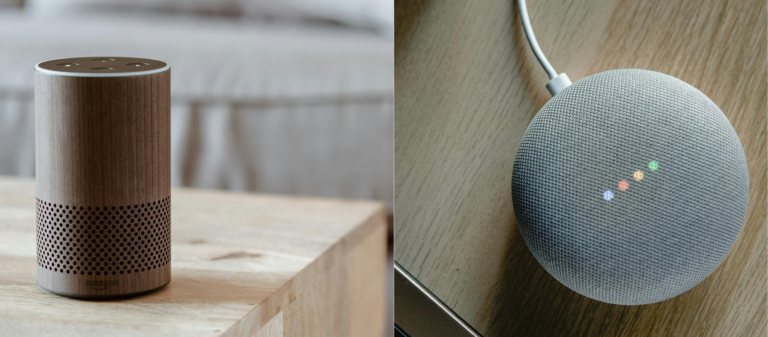
As you continue your smart home journey, understanding a few key concepts will prevent you from buying incompatible gadgets. When starting out, focus on compatibility and ecosystem size. Most smart devices operate using specific protocols (like Wi-Fi, Zigbee, or Z-Wave). For beginners, sticking to a single, major ecosystem—such as Amazon Alexa or Google Home—is strongly recommended. These platforms act as the translator, ensuring that even devices from different brands can “talk” to each other and respond to a single voice command.
Secondly, always prioritize devices that offer clear, user-friendly setup processes. The best technology is the technology you actually use. If a device requires an advanced degree to configure, it will become a source of frustration rather than convenience. Look for brands that offer excellent, detailed support and have a strong track record of stability, as reliability is paramount when integrating multiple systems into one cohesive whole. Starting with simple, low-stakes automations—like turning on a lamp when the sun sets—builds confidence and makes the next, bigger investment (like a smart thermostat) feel much less intimidating.
Finally, think about the biggest pain points in your current home life. Do you struggle with forgetting to turn off lights? Start with smart bulbs. Are you worried about package thieves? Start with a video doorbell. Are you constantly adjusting the heat manually? Start with a smart thermostat. By identifying the single, most annoying, or most valuable daily routine, you ensure that your initial smart home purchases solve a genuine problem, guaranteeing that the technology will be used and appreciated from day one.
Frequently Asked Questions (FAQ)
How to get started with setting up a smart home?
The best way to begin is by defining your scope. Do you want more security, more convenience, or more energy efficiency? Once you have a goal, start with a single, low-cost, high-impact device, such as a smart plug or a smart bulb. These items allow you to master the core concepts—like voice commands, scheduling, and app control—without massive upfront costs. Once you are comfortable with the basic automation loop, you can then expand to larger, more complex systems like thermostats or video doorbells. Always choose a central hub (like a smart display) early on, as it will become your primary point of control.
What Is the Best Process for Setting Up a Smart Home?
Setting up a smart home is less about the gadgets and more about the process. First, choose your ecosystem (Alexa, Google, etc.) and commit to it. Second, start with the simplest, most reliable device (like a smart plug) to understand the basic connection process. Third, build routines. Instead of saying “Turn off the lamp, lock the door, and turn down the heat,” you create one routine called “Leaving Home” and say that phrase. This simple habit of routine-building is the key to making your smart home feel seamless and intuitive.
What Is the Easiest Way to Start Controlling a Smart Home?
The most beginner-friendly approach is to prioritize voice control. Devices that integrate seamlessly with a single voice assistant are the easiest to manage. Begin by placing the smart speaker in a central location. Next, add a few simple, high-visibility items, such as smart bulbs or plugs, so you can immediately see the benefit of voice commands. After mastering those basic commands, you can then move on to the more complex, but highly rewarding, systems like advanced security cameras or smart thermostats. This gradual approach ensures you are always enjoying the benefits of your setup while learning the system’s capabilities.
How Should I Think About Connecting Smart Home Devices Together?
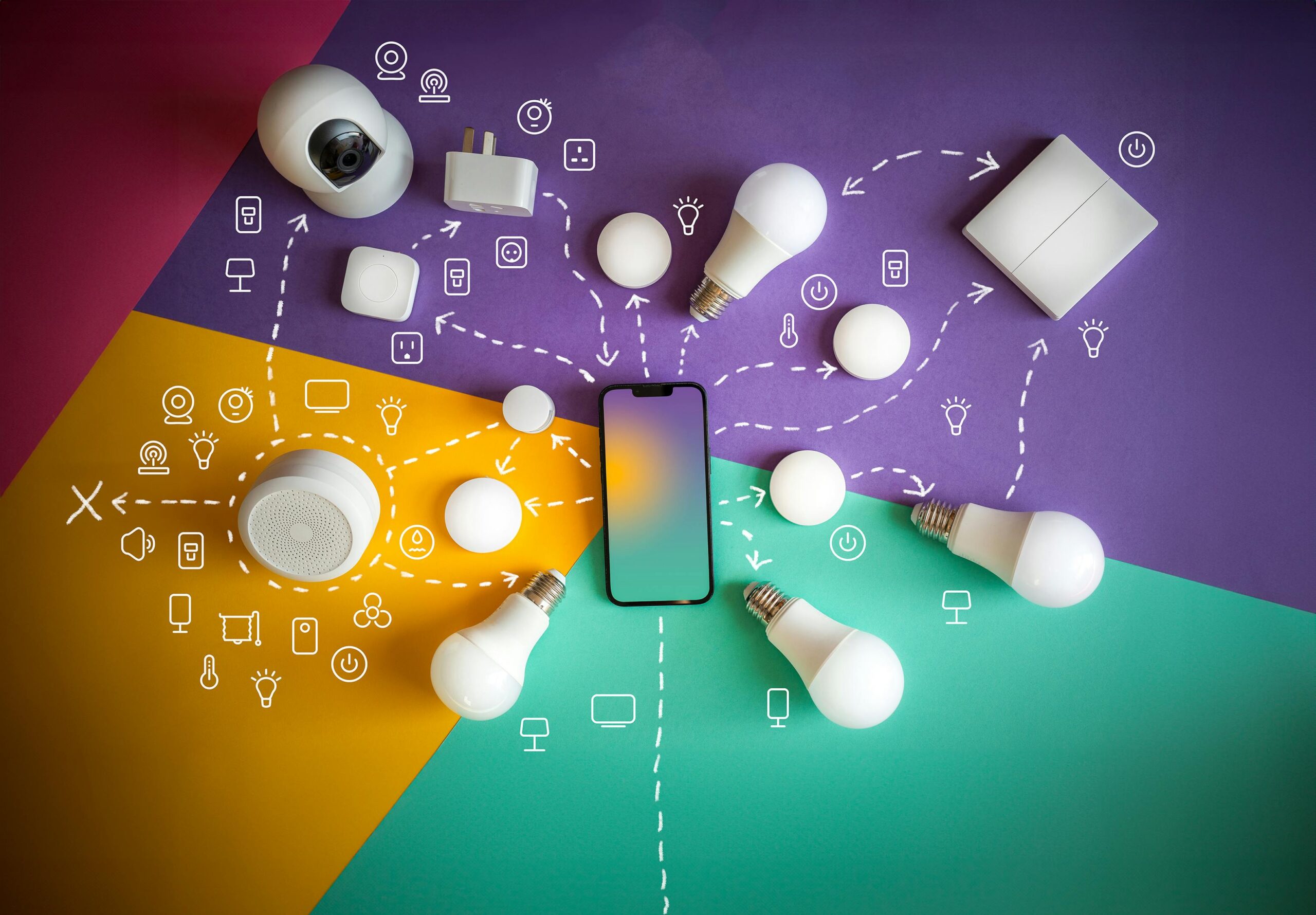
We recommend treating your smart home setup like building a circuit: you need a central power source, and then you add components that draw from it. Your central hub (like the Echo Show 8) is the power source. Your smart plugs and smart bulbs are the components. Start by linking the hub to the simplest components first, like plugs. Once those are working, add the more complex, specialized systems, like the thermostat or security cameras. Always check the manufacturer’s guides, but never hesitate to ask for help, that’s what smart tech is for!
Final Verdict: Your Path to Smart Living
Setting up a smart home is less about the technology itself and more about the systematic process of improving your daily life. By starting small and focusing on high-impact, easy-to-use devices like smart plugs and smart bulbs, you can build confidence and achieve immediate returns on your investment. Remember that the central control hub, whether it’s a smart display or a dedicated hub, is the most critical component because it ties everything together. Our advice is clear: start with a foundational hub, add simple automation elements (like lighting and plugs) to build routine, and then, once you are comfortable, tackle the bigger efficiency boosters like the smart thermostat. Your personalized, automated home is achievable, one smart device at a time.